Make Lightning Invoice
How To Make A Lightning Invoice With Rizful
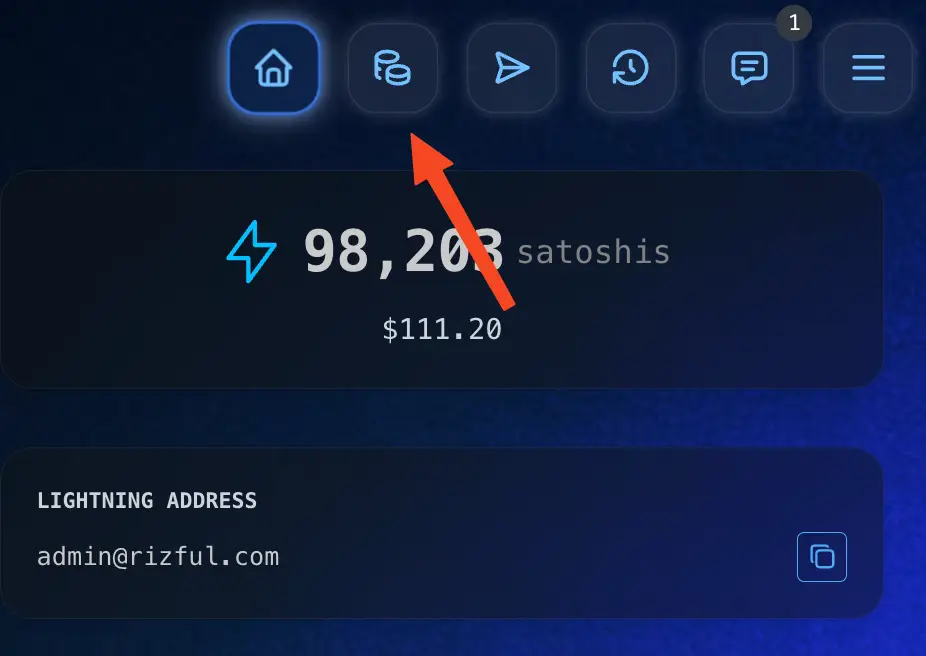
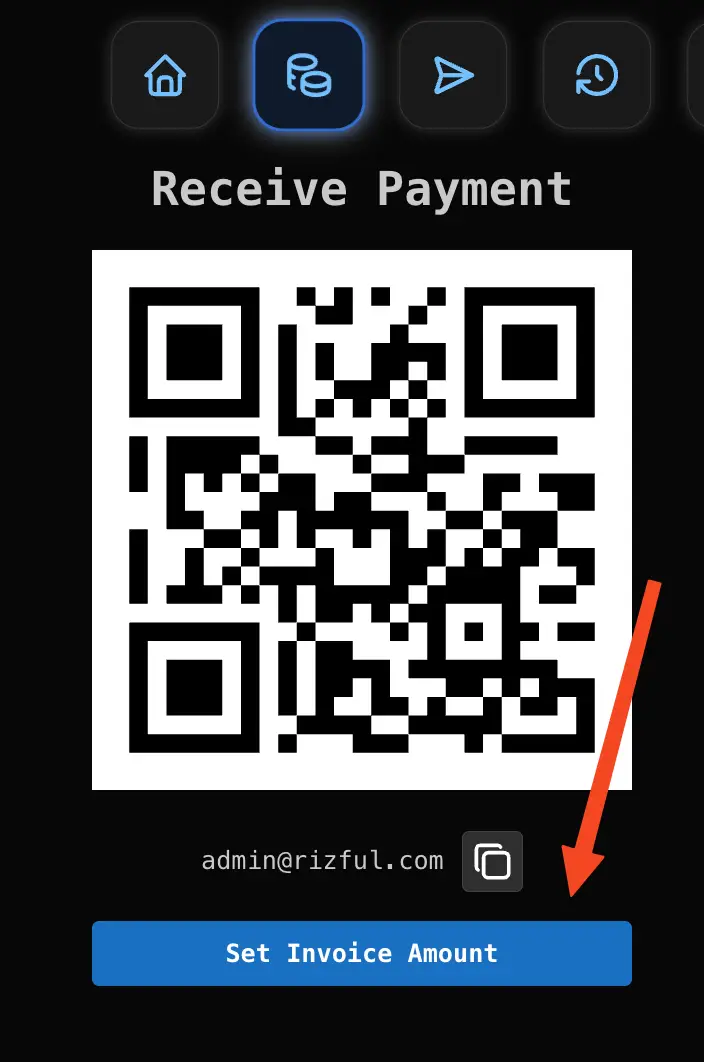
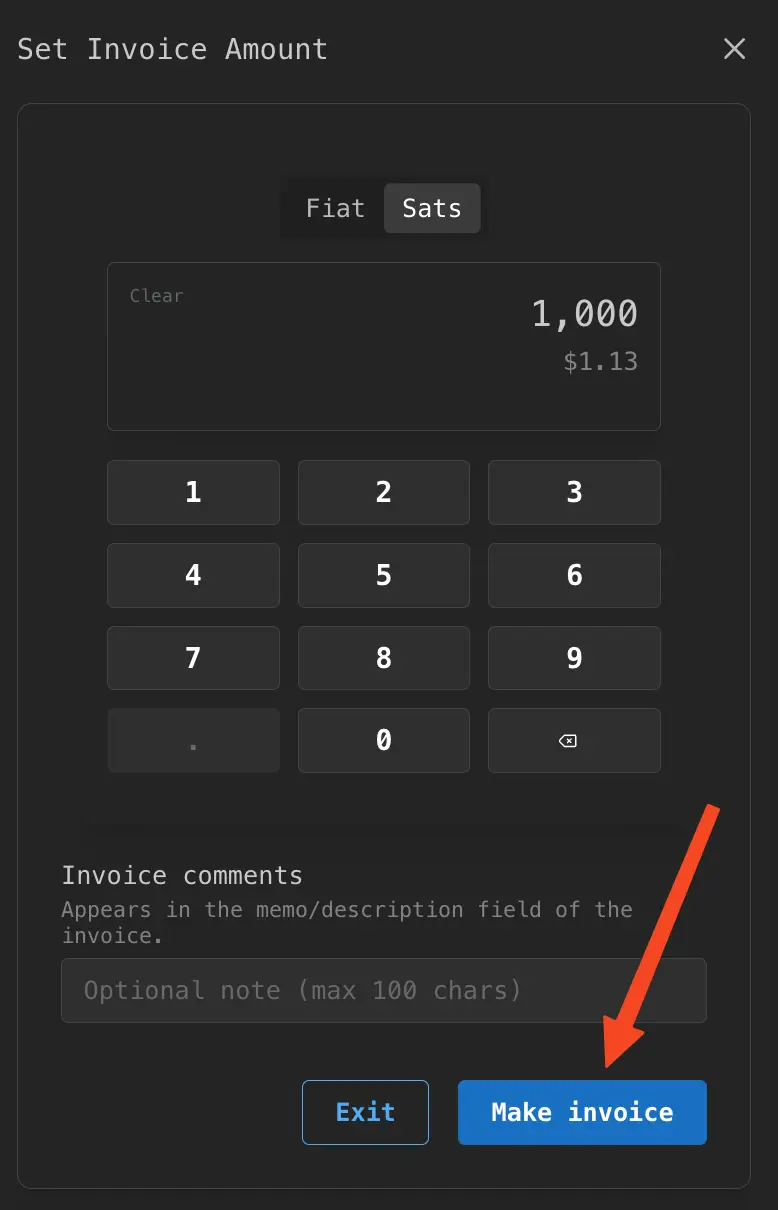
The person receiving the funds makes the invoice first. Follow the screenshots below, then share the invoice with whoever is paying you.
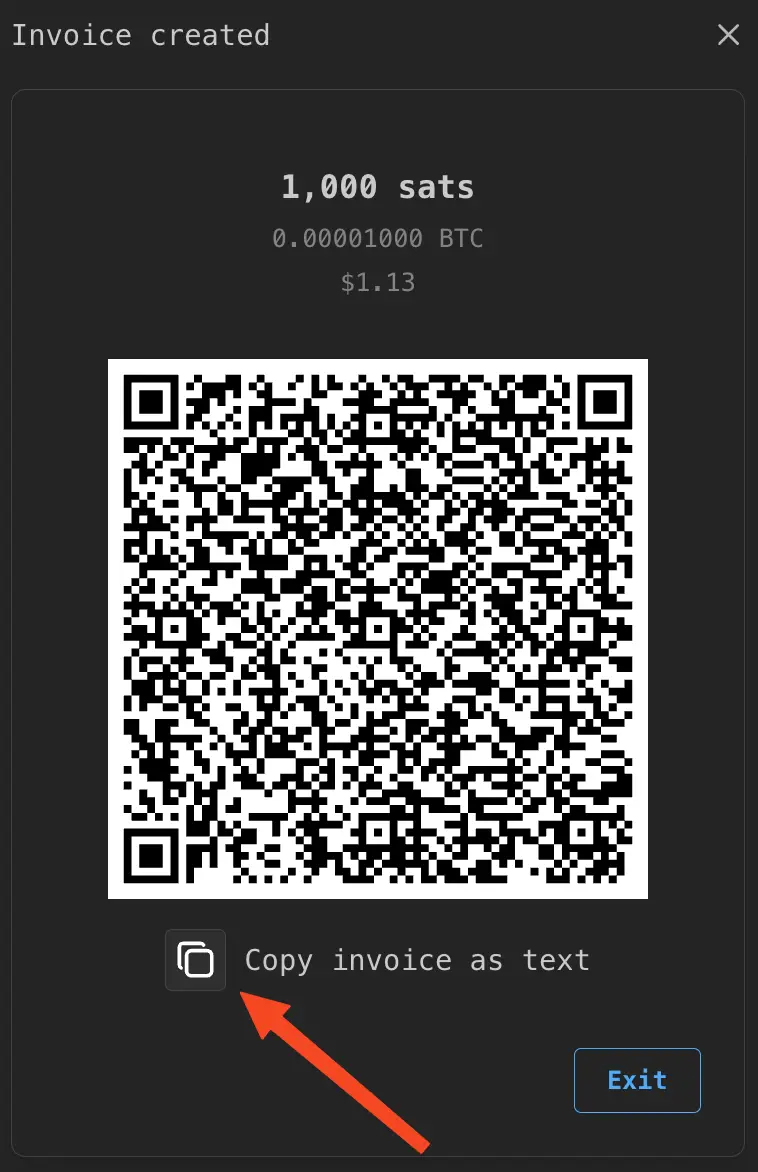
A Lightning invoice is a long string of characters that looks like this:
lnbc1m1pj7uhkwpp5xpgua0xkadxuq40r303d7uxmy3wguvr6j2dt943p6nsv4xuqmd0sdqqcqzzsxqrrssrzjqvgptfurj3528snx6e3dtwepafxw5fpzdymw9pj20jj09sunnqmwpapyqqqqqqzh9cqqqqlgqqqqqqgq9qsp5karh0f8xqvc2ujlet6w50r6xfqd2na0vwudftdxrk9en75zjt5ys9qyyssqmpl8fykw68gpj0ex8zppn6u98jsjg85675y96rqf9279g0xvzhrhf7zr6ycdqdx7y9qr9jn6gxg2qzmg5jknszqxqvfy6xwkalmfwxqq66mg50
Once your invoice is ready, the payer scans the QR code or pastes the invoice text into their wallet. See how to pay a Lightning invoice with Rizful.